Demo videos
The same GBM MCP server answering marketplace questions in two different AI assistants.
Add GBM MCP Server to ChatGPT
Note: The MCP server is at the PoC stage and has not been thoroughly tested. Use it for demo purposes; it must undergo comprehensive testing before public release.
-
Open Plugins
Open Plugins from the left menu and click Add Custom MCP Server on the right side.

-
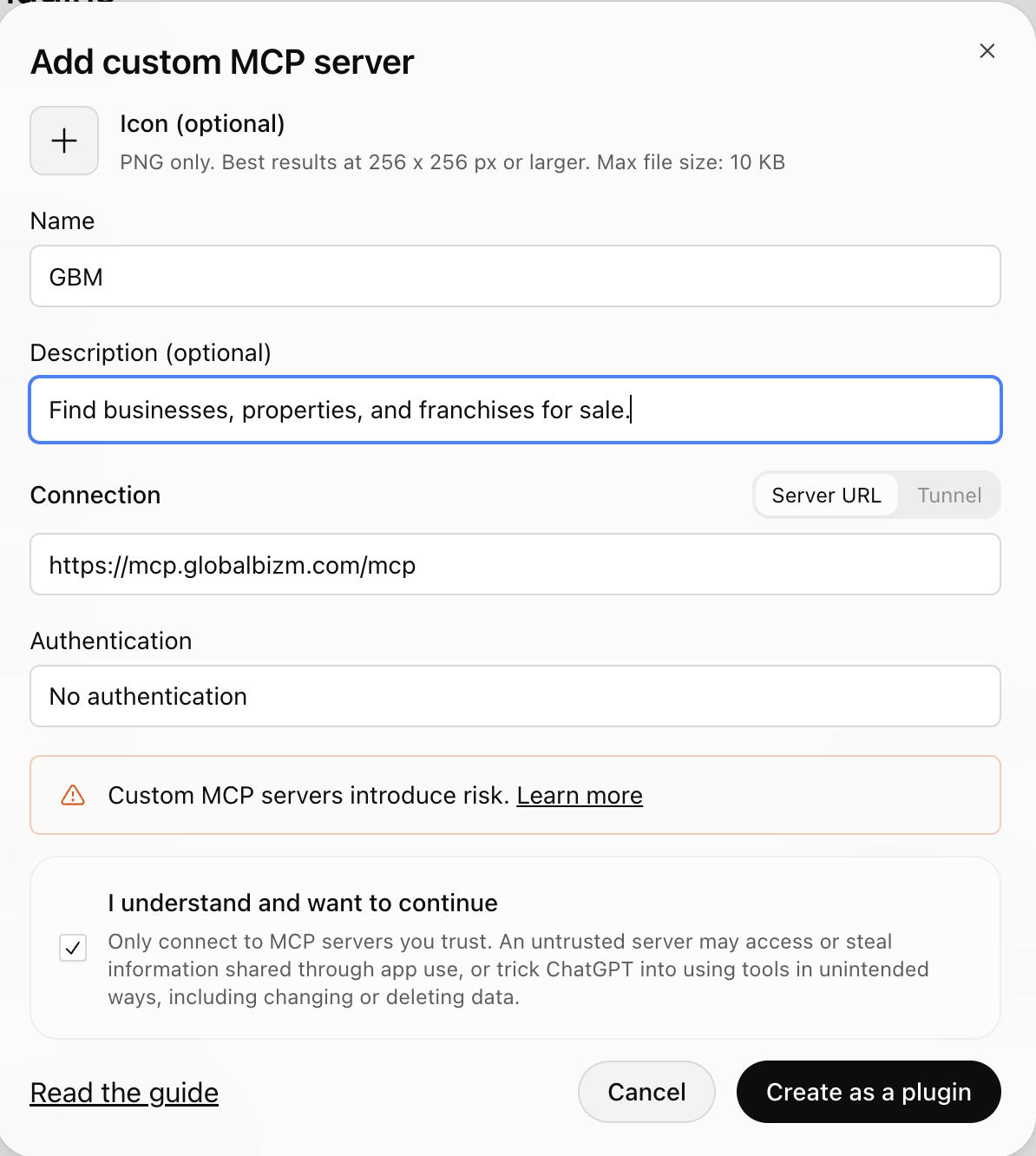
Fill in the details
- Name
- GBM
- Description
- Find businesses, properties, and franchises for sale.
- Connection
https://mcp.globalbizm.com/mcp- Authentication
- No Authentication
-
Create the plugin
If the name already exists, use something like “GBM Search”.
-
Ask in a new chat
For example: “Find businesses for sale in Texas using GBM”. After the first time, later chats don't need to mention the GBM tool.
Add GBM MCP Server to Claude
-
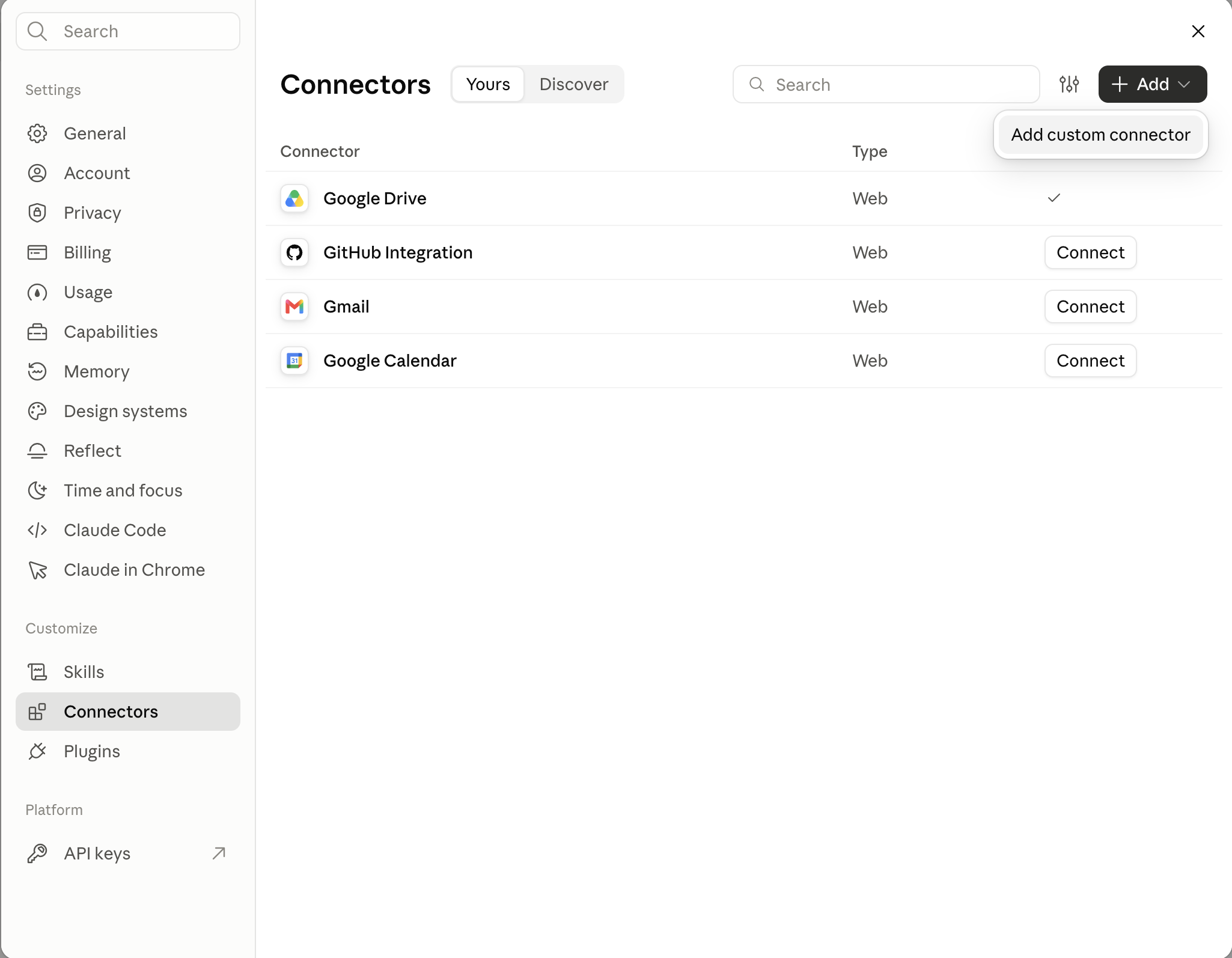
Open Settings → Connectors
-
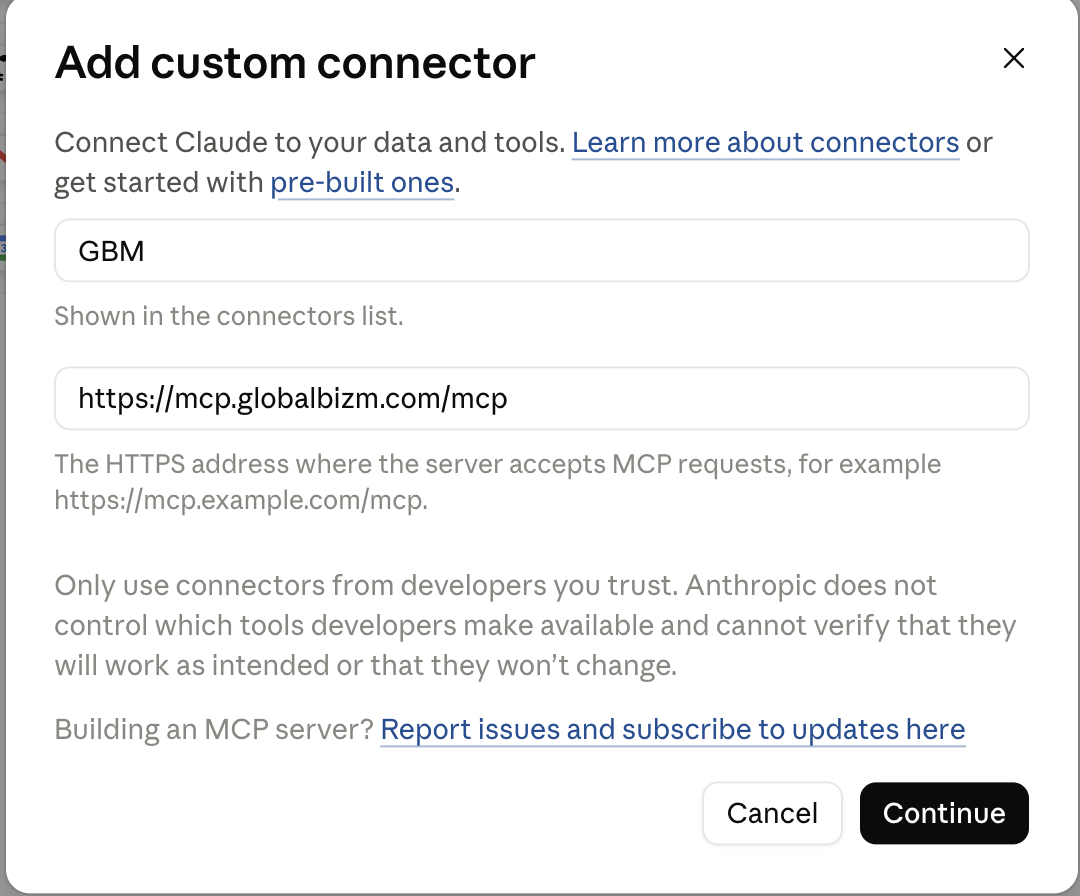
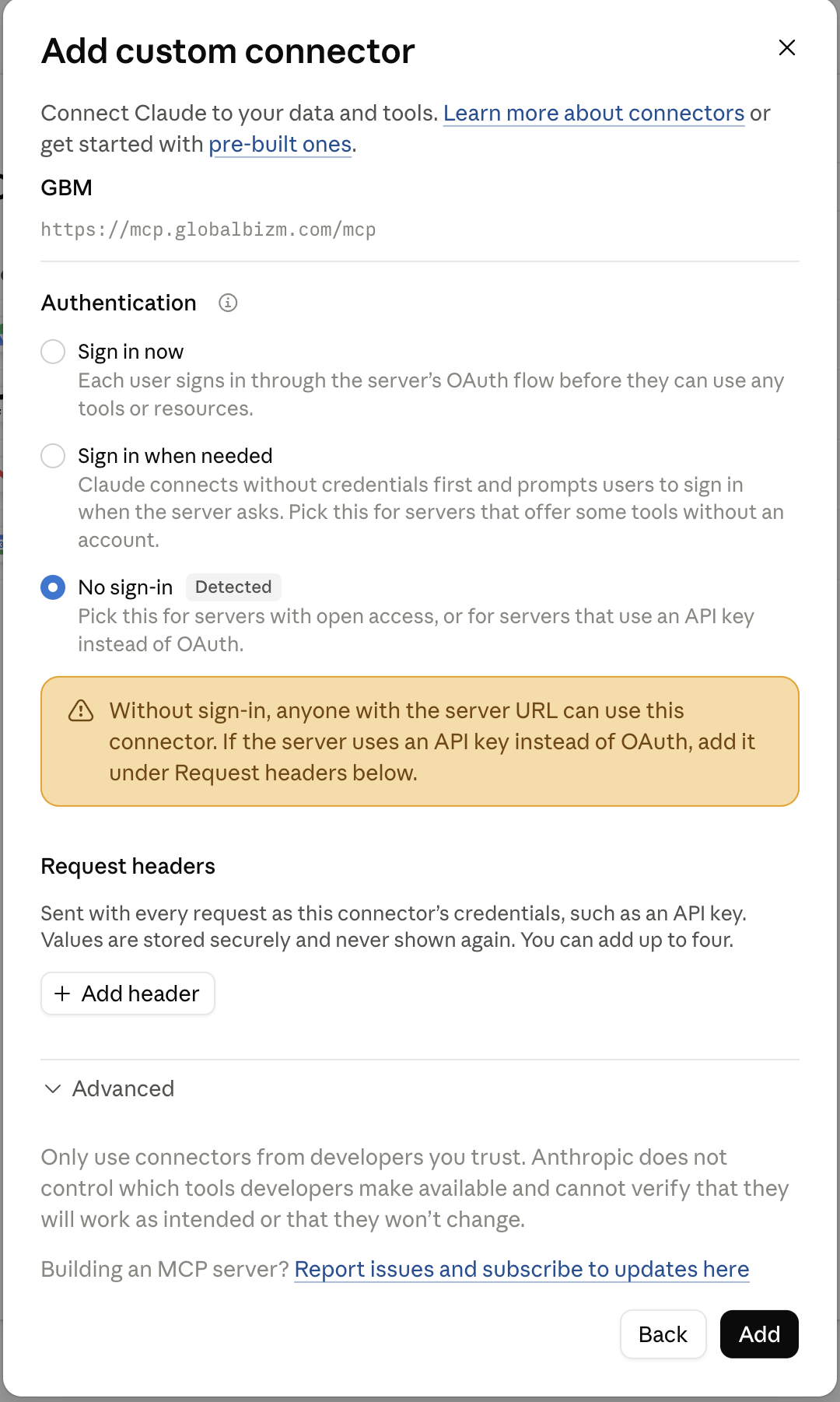
Select “Add custom connector”
- Name
- GBM
- URL
https://mcp.globalbizm.com/mcp
-
Click “Continue” and “Add”
-
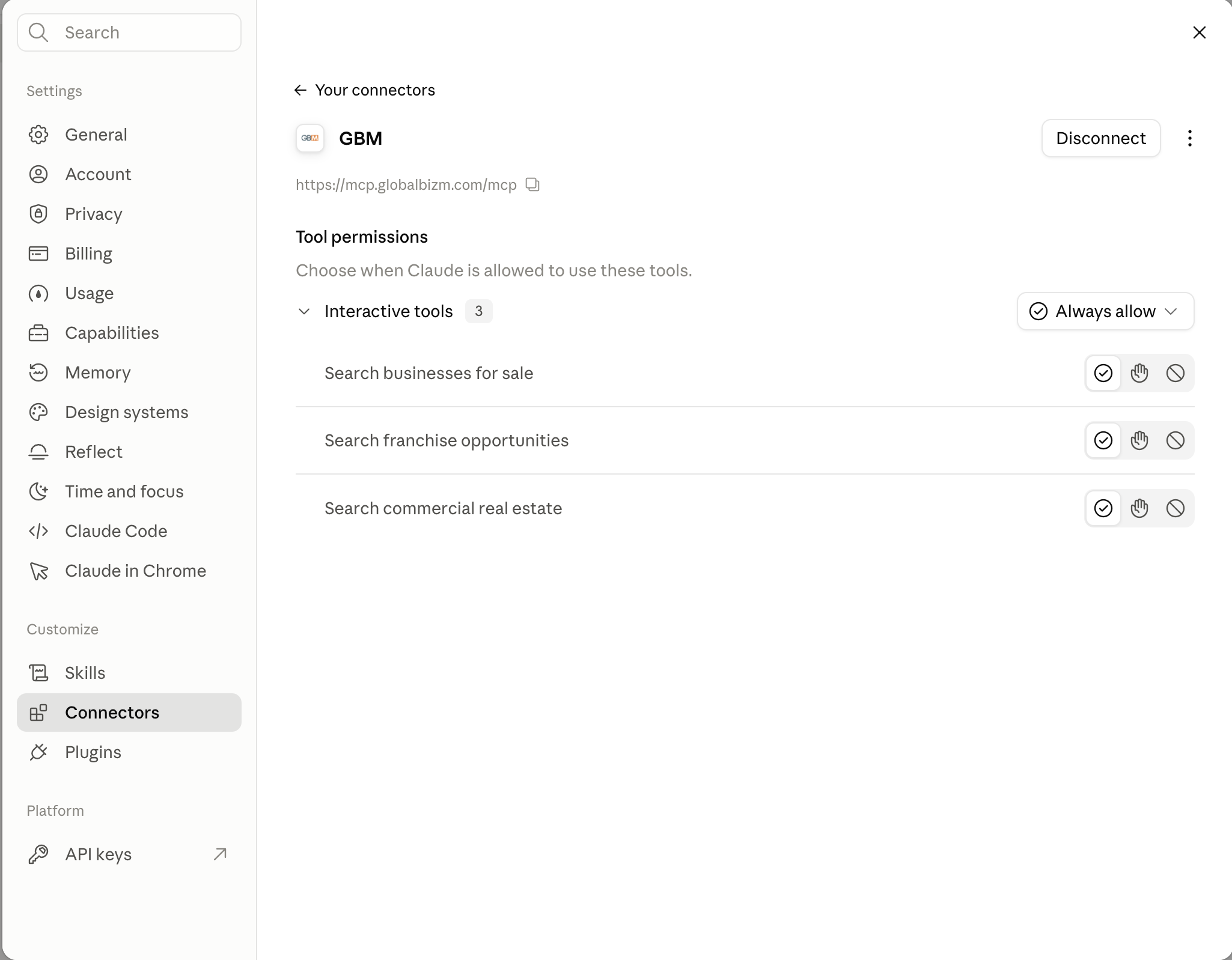
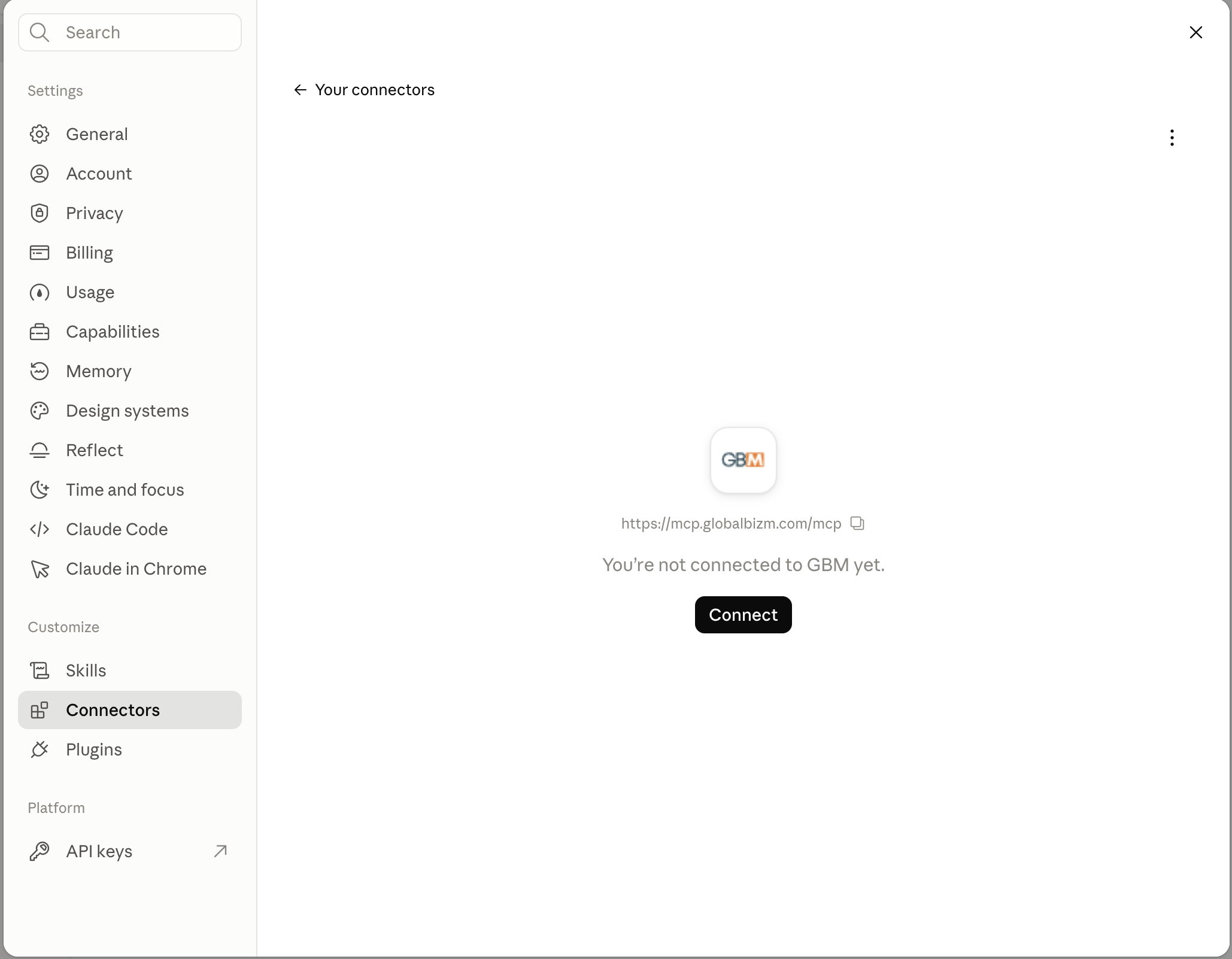
Connect GBM
-
Always allow Search Tools